WordPress.org vs. Wix – Which One Should You Choose For Your Site?
One of the most popular is Wix, which uses a well-designed visual editing interface. The goal is to make it intuitive to create layouts and design striking websites. So, how does WordPress stack up against this challenger?
10 Must Have Plugins For WooCommerce In WordPress
WooCommerce is a free e-commerce plugin provided by WordPress which allows you to build a fully customizable online store. If you are using WooCommerce as the e-commerce plugin, these are the 10 must have WooCommerce plugins for Wordpress online storefront.
7 Proven Techniques to Enhance the WordPress Security

Generally, a hacked website can lead to hundreds of revenue loss. It can also hamper your business reputation. To ensure that it doesn’t happen to you, you need to follow these tried and true tips to secure WordPress site. So, without any delay, let’s get started.
What to Consider When Choosing a Blogging Platform

When kicking off your blogging career you have a number of decisions ahead of you. The first, and arguably the most important, is choosing which platform you should use – WordPress, Tumblr or Medium?
WordPress SEO – Secrets to Boost More Traffic
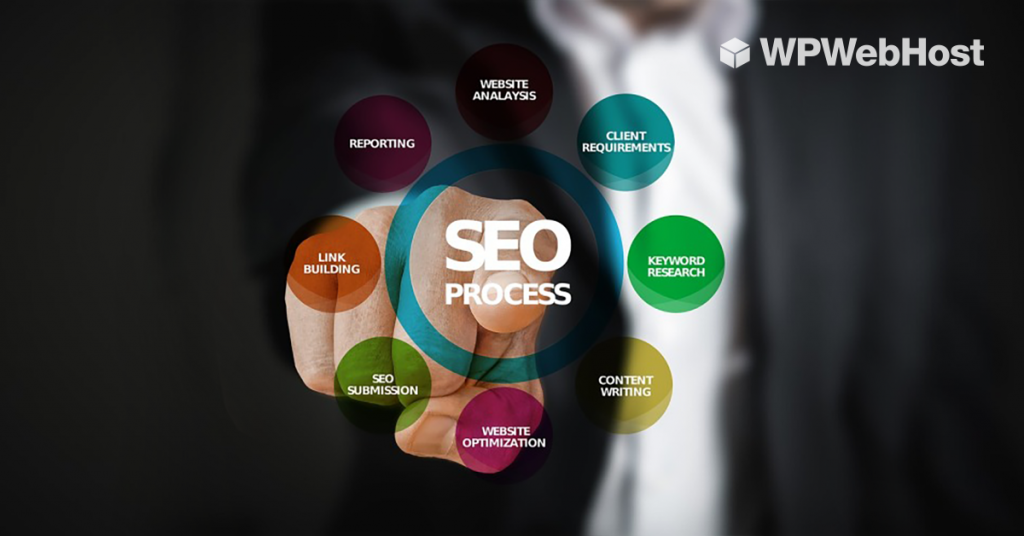
Running a website is much more than creating a beautiful design and posting a few blogs now and then. In this post, you will get a little tips on how to boost your website traffic by optimizing SEO.
How Jetpack Can Improve Your WordPress Site’s Search Functionality
Every site should offer an easy way to search for content. While WordPress includes a built-in search function, it can be slow and imprecise. This post will discuss why having a solid search function on your site is important, and how to implement one using Jetpack’s Elasticsearch-based solution!
Everything You Need to Know About Gutenberg

Under how Gutenberg will be the next WordPress publishing editor that will revolutionize the way how your WordPress post and pages being published.
7 Steps To Migrate Your WordPress.com Site To A New Server
Migrating your site from WordPress.com to your self-hosted server can be easily done with this 7 simple steps.
4 Awesome Page Builders You Can Use to Create Content (And Why You Should)

We compare against Divi, Elementor, Beaver Builder, and Gutenberg as some of the web page builder tools you can use to build your WordPress website.
How to Stop Media Files From Slowing Down Your Website with Jetpack
In this article, we’ll look at how your site’s media files can harm its loading times, and why it matters. More importantly, we’ll discuss how you can avoid this by using a CDN, such as the one included with Jetpack.