7 First Steps To Begin Your WordPress Website
This 7 simple step covers the basic setting you will be needed for your WordPress website.
Why Every WordPress Websites Needs Jetpack

Jetpack is the ultimate toolkit for WordPress: a product suite that gives you everything you need for a professional site. With Jetpack, you get everything you need to design, secure, and grow your site in one bundle. Let’s take a look at all these features in depth.
How To Marketing Your Website And Drive More Traffic

You might be producing amazing content, but if nobody knows it exists or where to find it, your work has been for naught. It’s time to do some marketing for your website and drive more traffic!
WordPress.com vs WordPress.org – What’s the Difference?
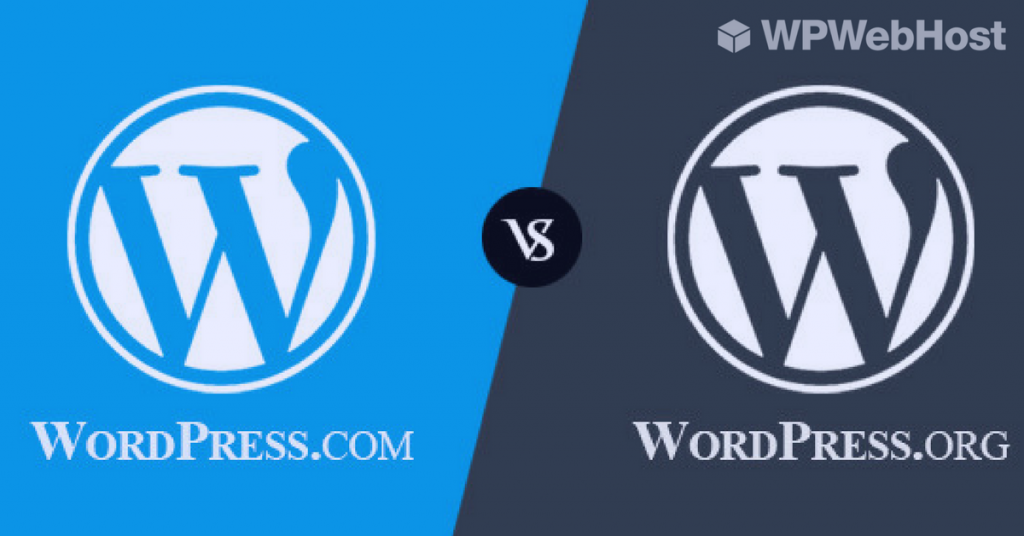
A common misconception is that of confusing WordPress.com and WordPress.org. It’s an easy mistake to make, but the two are actually entirely different services, with unique pros and cons. In this article, we’ll compare both types of WordPress hosting against each other and discuss why you might want to select either one for your site.
5 Reasons Every Bloggers Needs A Domain Name

Should you start your blog with your own domain or use a 3rd party subdomain? I am sharing the 5 reasons why you go to your own domain instead of using a 3rd party subdomains.
What do you need to know about Managed WordPress Hosting
One of the many options you make when selecting a WordPress hosting plan is whether to use managed or unmanaged hosting. However, what do these terms mean, how are they different, and which is best for you? In this article, we’ll compare the options and help you pick the one most suited to your requirements.
How to Monetize Your Blog
You’ve set up your blog and you’re growing your readership — and you’re starting to see the potential of your hobby to bring in some pocket money (or more!). You’re ready to monetize! We’ve gathered a few of the most popular ways to monetize your blog. Which ones are right for you?
Top 10 Reasons You Should Start Blogging

Have you ever had a moment where you thought, “I should write a blog about that”? If so, you’re not alone. As the blogging community continues to grow, there are more opportunities than ever for turning this creative medium to your advantage. If you’re toying with the idea of setting up a blog of your own, here are some of the many great reasons to get started.
10 Ways to Promote Your Affiliate Products

It is easy to get a good product to sell, but it is difficult to get the product sold. Because we understand the difficulties you are facing, we have came up with this blogpost to suggest 10 easy ways for you to promote affiliate products.
How to get More Visitors to Click on Your Banner Ad or Affiliate Link?

Searching for ways to increase click-through rate of your banner ad or affiliate link? Below are a few handful ads placement optimization suggestions that can help you to increase your CTR and conversion rate. Check them out.