Should I Choose Digital Ocean to Host My WordPress?

We shared about the pros and cons of hosting your WordPress website on DigitalOcean vs on any Managed WordPress Hosting provider platform.
7 Simple Ways to Secure Your WordPress Website [Infographic]
This ae the 7 essential security steps you will need to keep your WordPress website secure from being hacked.
The Top 30 Most Popular WordPress Plugins (Infographic)

The 30 top popular WordPress plugins being used by the WordPress community that you should have to power your WordPress website.
Starting Web Design Business: Money Making Tips for Beginners

Web designing is one of the best ways to make money easily. Many web designers are earning huge amount of money by employing latest web designing techniques. Even you can earn money by adopting following instructions in your website.
6 Tips for a Safer WordPress Hosted Website

The 6 essential tips to boost up the security and safety of your WordPress website.
.htaccess tips for WordPress Webmasters
Troubles in managing your WordPress site? Here are some handful tips of Apache in managing security, speed and URL efficiency that you should learn to power your WordPress website. Check it out !
Template Hierarchy Tutorial in WordPress for Beginners
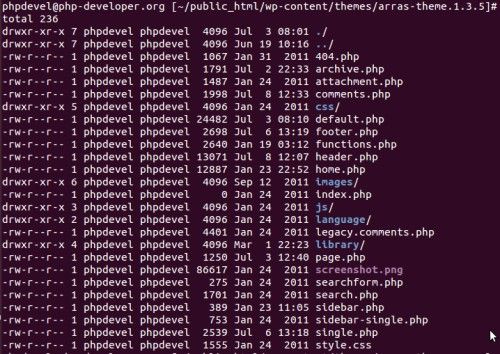
Struggling in using WordPress? WordPress has a lot of functions that are yet to be discovered for example its template hierarchy and application. Below is a thread of tutorial for WordPress beginners to save your day !
Using MySQL Command Line for Managing WordPress Database
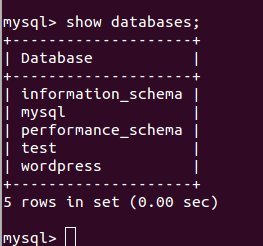
How to manage WordPress using MYSQL? It suits user that are Windows ,Linux, Windows OS user and Linux OS user. Check it out for more information.
Create a print friendly WordPress website
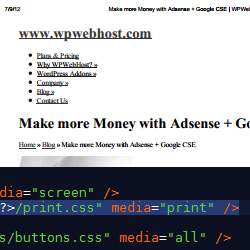
Wondering how will your website look when it is printed? After this tutorial you will be able to create your own print .css for your own WordPress website! Check it out!
How to Assign Tasks to Other WordPress Users
Do you know that with WordPress you are able to modify your users? In this tutorial, we will be sharing some useful features to help you assign tasks to other WordPress user in an efficient method by using CollabPress.