
Install WordPress in Ubuntu 12.04 LTS Localhost LAMPP server
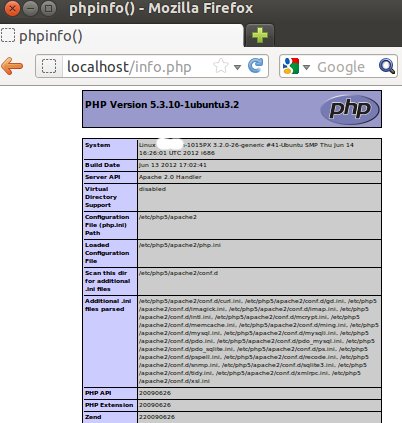
A useful tutorial for WordPress and Ubuntu software beginners. We will be illustrating a standard approach of building a LAMPP server. Provide your visitors the best experience!
Integrating Facebook, Google+ & Twitter on WordPress for Speed and Compatibility
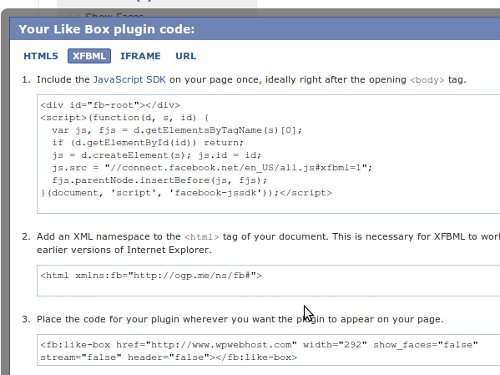
Nowadays, social media plays an important role in social networking with people around the world. Now you can integrate networking plugins with your WordPress website! In this article, we will discuss on some of the many great reasons to get started!
Stay Connected with WordPress Authors
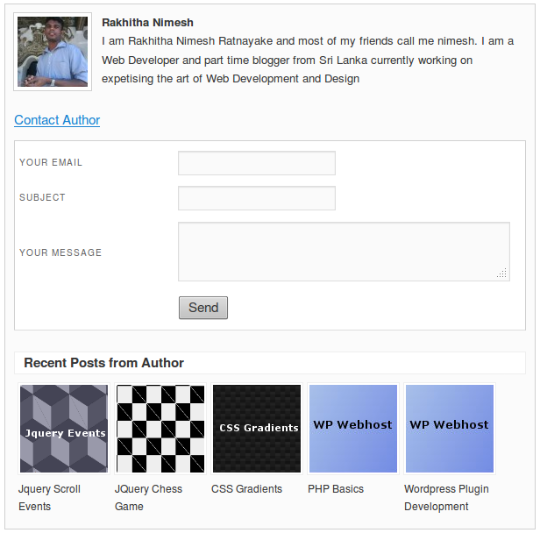
Want to keep in touch with the authors? You may chit chat with your favourite authors personally now! We are going to discuss some great tips to create a simple plugin.
WP Super Cache Optimal Settings Tips and Configuration
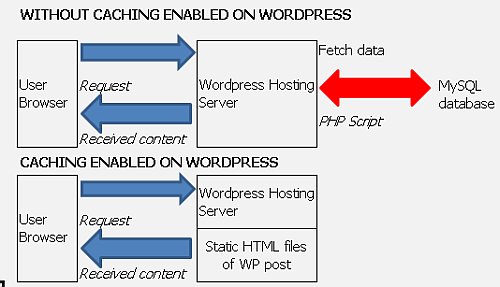
WP Super Cache is the best plugin for beginners. We have gathered some essential tips for setting WP Super Cache that is less complicated! Check them out.
Show Dynamic Content as per Page/Post and Visitor’s Country

Why do you need dynamic content? A dynamic content is a website content that changes based on the readers interactions and delivered to the readers. In this article, you will learn how to implement dynamic content with WordPress and target towards your visitors. Let’s get started!
How to improve the printing experience of your WordPress articles

We always want to give our readers the best experience every time they read our article, especially in the printed version. In this article, we will be sharing on how to improve WordPress your printing experience to make sure that our readers are reading comfortably. Let’s begin!
15 Classic Mistakes To Avoid When Using WordPress

It is common for beginners to make mistakes while using WordPress as sometimes it is quite complicated. We got your back! To avoid these mistakes, we are going to share on the common mistakes we made when we are using WordPress. Check it out!
Make more Money with Adsense + Google CSE
Nowadays, online advertisement plays an important role in the advertising field. In this article, we will discuss on how Google Adsense make advertising more simple and how to use Google search engine technology wisely.
Guidelines on Dealing with Upgrade Issues in WordPress 3.4.1
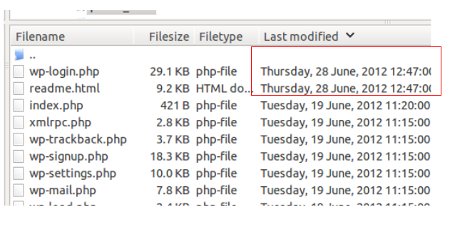
WordPress just released its latest version to public! WordPress had improved their maintenance and security. Here are some helpful tips for you with the upgraded version of WordPress for those who found complicated. Let’s begin!
Creating a Custom WordPress Widget with Widget Options
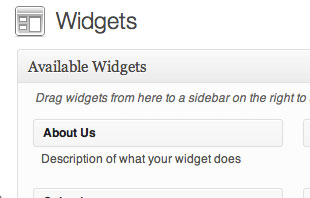
WordPress Widgets is one of the world’s most complete and user-friendly widgets. In this article, we will discuss on how to create an “About Us” widget. Let’s get started!